
Network monitoring: what data tells you before your systems fail
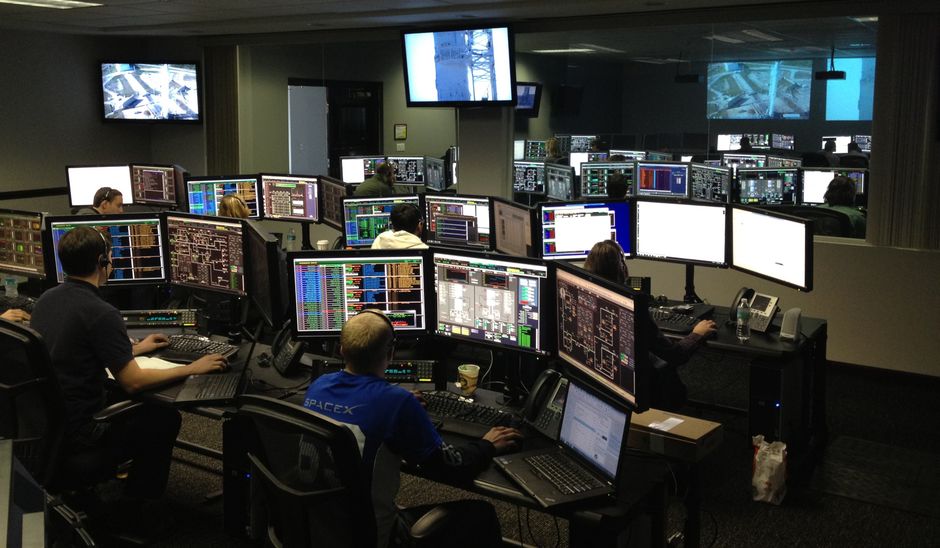
The data that warns you about a failure is usually already there in your network and servers: response times creeping up, disks filling faster than they should, interfaces logging errors, and backup jobs that report success without producing anything you could restore. Watch those numbers over time and most outages stop being surprises.
The signals that come before an outage
Most failures don't arrive all at once. A switch port might drop one packet in a hundred for weeks before the cable finally quits. A file server's disk might climb from 70 percent full to 95 percent over a couple of months. Those slow trends are the warning, so these are the numbers worth tracking:
- Latency and packet loss. Measure response times to your router, your main server, and one outside address. If the normal level drifts upward, something is congested or a link is degrading. Steady packet loss on a wired connection is worth chasing even when it looks small.
- Interface errors. Counters like CRC errors and discards on a switch port usually point to a bad cable, a failing network adapter, or a speed and duplex mismatch. They rarely fix themselves, and they tend to get worse.
- Disk growth rate. Free space tells you where you are today. The growth rate tells you when you'll run out. A drive at 80 percent that gains a percent a week has months left. One that gains 5 percent a day needs attention this week.
- Temperature and fan speed. Heat wears hardware down slowly. A fan that runs at full speed for weeks is often telling you about dust buildup or a failing bearing.
- Backup verification. A backup marked successful is not the same as a backup you can restore. Check that restores actually work on a schedule, not just that the job finished.
Set baselines before you need them
A single number means very little on its own. Is 40 milliseconds to your file server good? The useful question is whether it's different from what it normally is. So the first step is to record normal behavior for at least two weeks during regular working days, capturing the busy periods as well as the quiet ones.
Once you have that baseline, set alerts against it rather than against arbitrary limits. A simple rule works well: alert when a value stays well above its usual level for a sustained period, such as latency running at double its normal figure for 15 minutes. Don't alert on a single spike. A brief burst during a large file transfer is normal, and alerts that fire on normal activity teach people to ignore the system.
Turn alerts into action, not noise
Monitoring fails in a quieter way too. If alerts fire constantly and nobody acts on them, the team stops reading them, and the one alert that matters gets lost in the pile. The fix is to make every alert earn its place.
- List every alert you have and write down who receives it.
- For each one, write a single line saying what the person should do when it fires.
- If nobody can name an action, remove the alert or raise its threshold.
- Review the list every few months, since your network changes and old thresholds go stale.
This sounds like housekeeping, but it's what makes the data useful. An alert that says the backup target has less than 10 percent free space, with a line that says to clear old snapshots or add storage, is one that gets handled before it becomes an outage.
If you don't have monitoring running yet, start small this week. Pick your router and your main server, record their response times and disk usage for two weeks, and set one alert with a clear action attached. That alone will show you more about your network than most people know. If you'd rather have someone set this up and keep an eye on it, get in touch with Tech Parachute and we can talk through what your network needs and where monitoring would help most.